
- name
- Table2Image
- version
- 1.1.0
- description
- Convert markdown tables and JSON data to PNG images. Perfect for Discord, Telegram, and other platforms where markdown tables render poorly. Use when Claude needs to present tabular data in a visually appealing format, when sending tables to Discord/Telegram/WhatsApp, or when the user asks to convert a table to an image. Supports multiple themes (discord-light, discord-dark, finance, minimal), conditional formatting, and automatic markdown table detection.
- install
- |
- engines
- node
- >=18.0.0
Table2Image
🇬🇧 English | 🇨🇳 中文
Convert tables to beautiful PNG images for chat platforms.
GitHub: https://github.com/UMRzcz-831/table-to-image-skill
Tech Stack: Playwright + Chromium for perfect emoji and font rendering.
Prerequisites
- Node.js: >= 18.0.0
- Network: Internet connection required for first run (Chromium download ~100MB)
Installation
# Install dependencies
npm install

# Download Chromium (one-time, ~100MB)
npx playwright install chromium
Performance
| Metric | Time |
|---|---|
| First run (Chromium download) | ~30-60s (one-time) |
| Browser launch (first render) | ~2-3s |
| Subsequent renders | < 500ms (browser reused) |
💡 Tip: The browser instance is automatically reused after the first render, making subsequent table generations nearly instant.
Quick Start
Method 1: CLI (for simple tables)
# Convert JSON data to table image
echo '[{"name":"Alice","score":95}]' | node scripts/table-cli.mjs --dark --output table.png

# Or use a JSON file
node scripts/table-cli.mjs --data-file data.json --theme discord-dark --output table.png
Method 2: Programmatic API (recommended)
import { renderTable, renderDiscordTable } from './scripts/index.js';

// Quick Discord table
const image = await renderDiscordTable(
  [{ name: 'AAPL', change: '+2.5%' }],
  [
    { key: 'name', header: 'Stock' },
    { key: 'change', header: 'Change', align: 'right' }
  ],
  '📊 Market Watch'
);

// Send to Discord
await message.send({ attachment: image.buffer });
Method 3: Auto-convert markdown tables
import { autoConvertMarkdownTable } from './scripts/index.js';

// Automatically detect and convert
const result = await autoConvertMarkdownTable(message, 'discord');
if (result.converted) {
  await message.send({ attachment: result.image });
}
When to Use This Skill
- Discord/Telegram/WhatsApp: These platforms don't render markdown tables well
- Financial data: Stock prices, portfolio reports with conditional formatting
- Leaderboards: Rankings with medals and color-coded positions
- Comparison tables: Side-by-side feature comparisons
- Any tabular data: When visual presentation matters
Themes
| Theme | Best For | Preview |
|---|---|---|
discord-light | Discord light mode (default) | 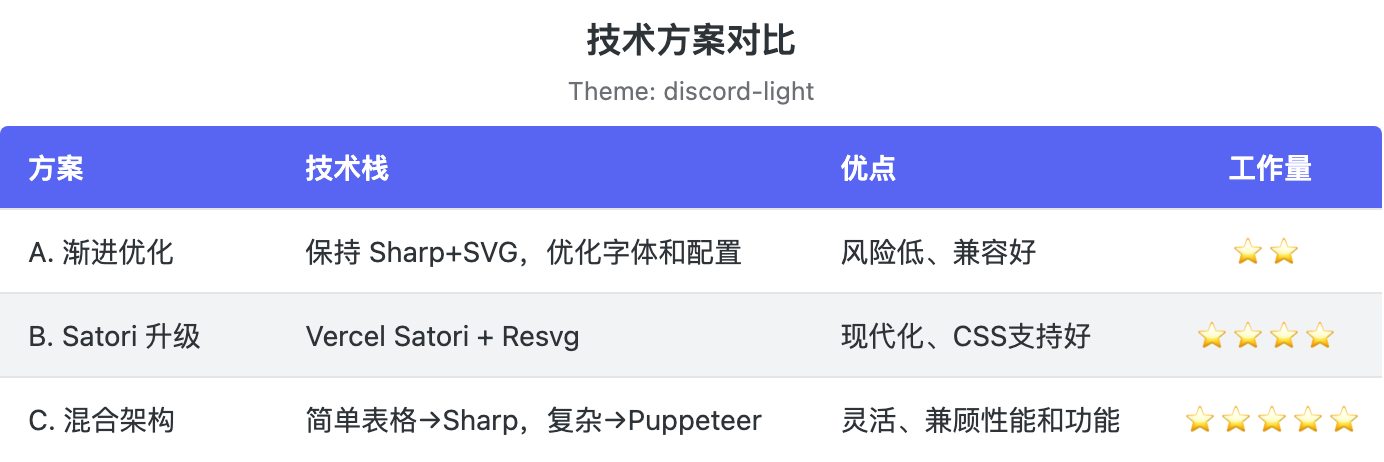 |
discord-dark | Discord dark mode | 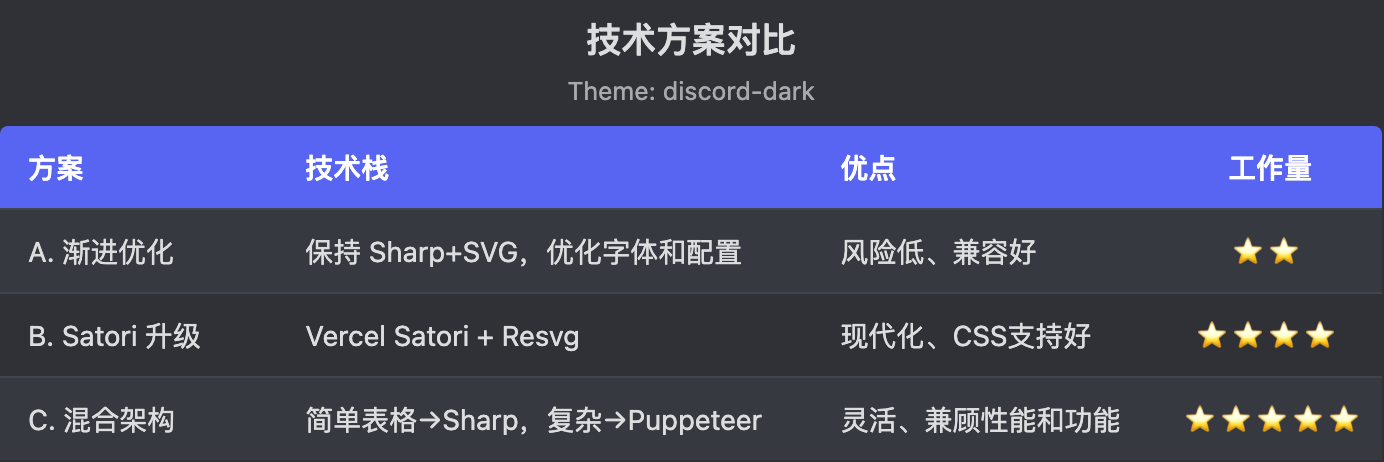 |
finance | Financial reports | 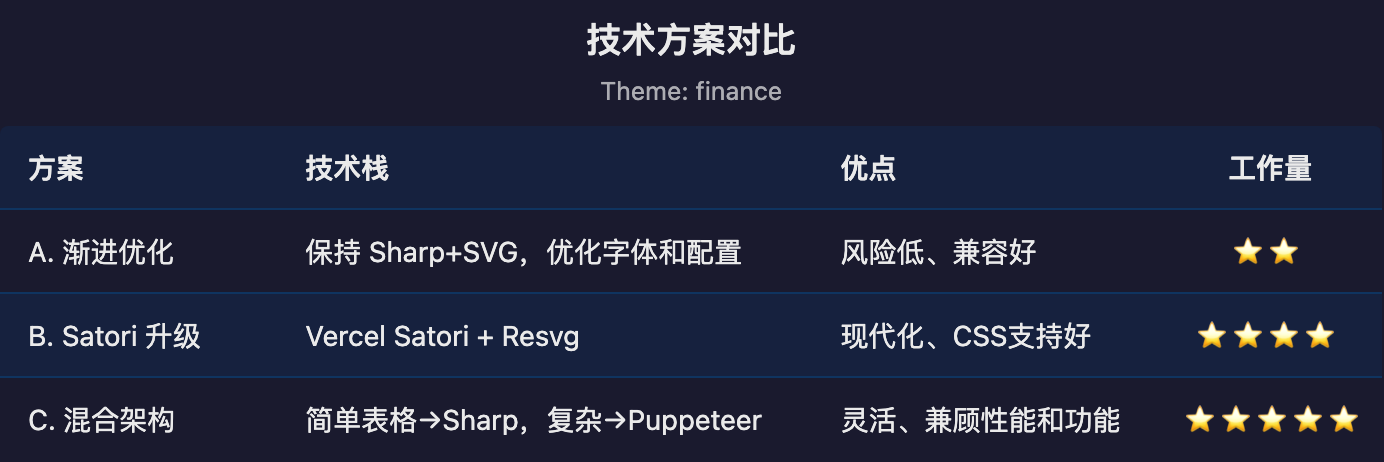 |
minimal | Clean/simple | 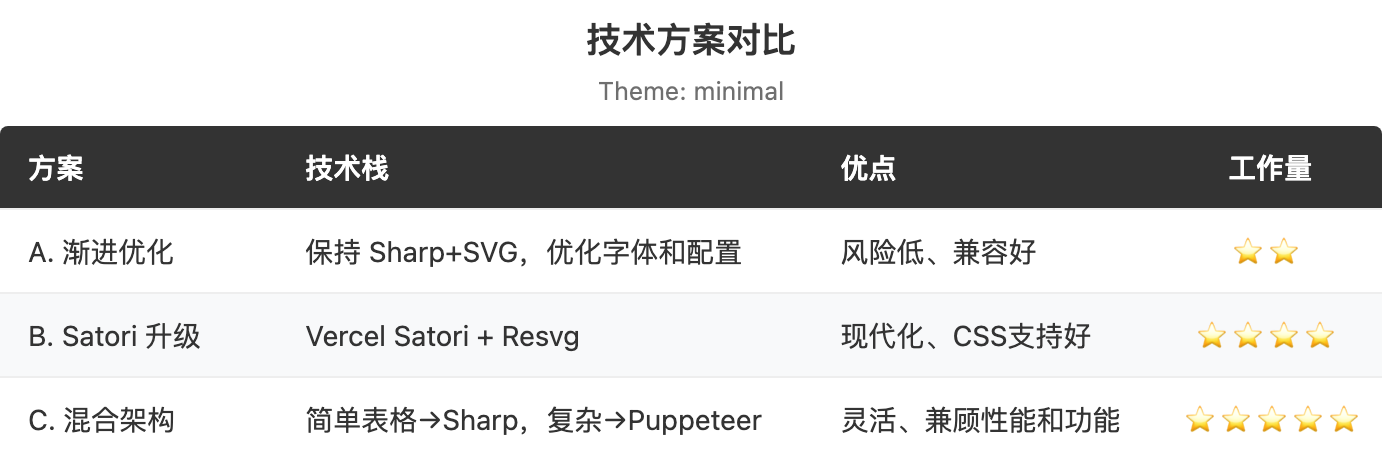 |
sweet-pink | Stylish dark + pink accent | 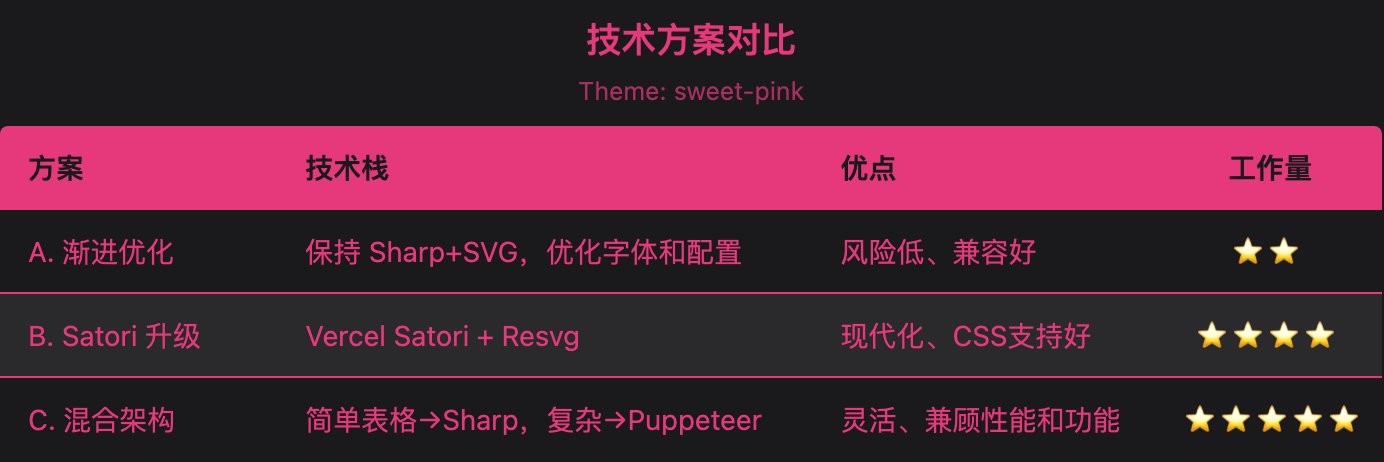 |
deep-sea | Classic blue + cream white | 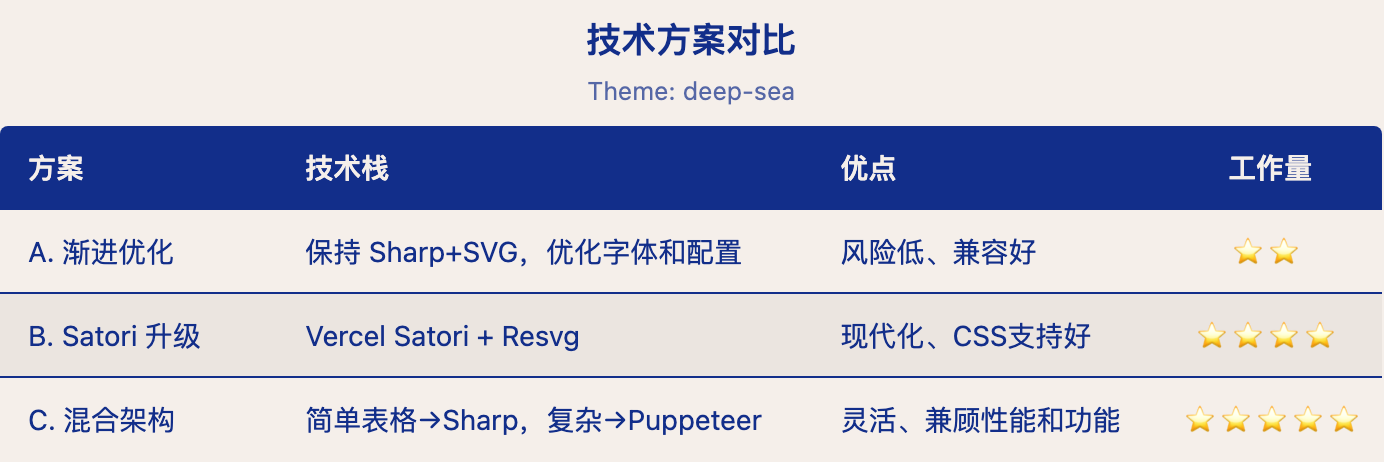 |
wisteria | Retro purple + lime green | 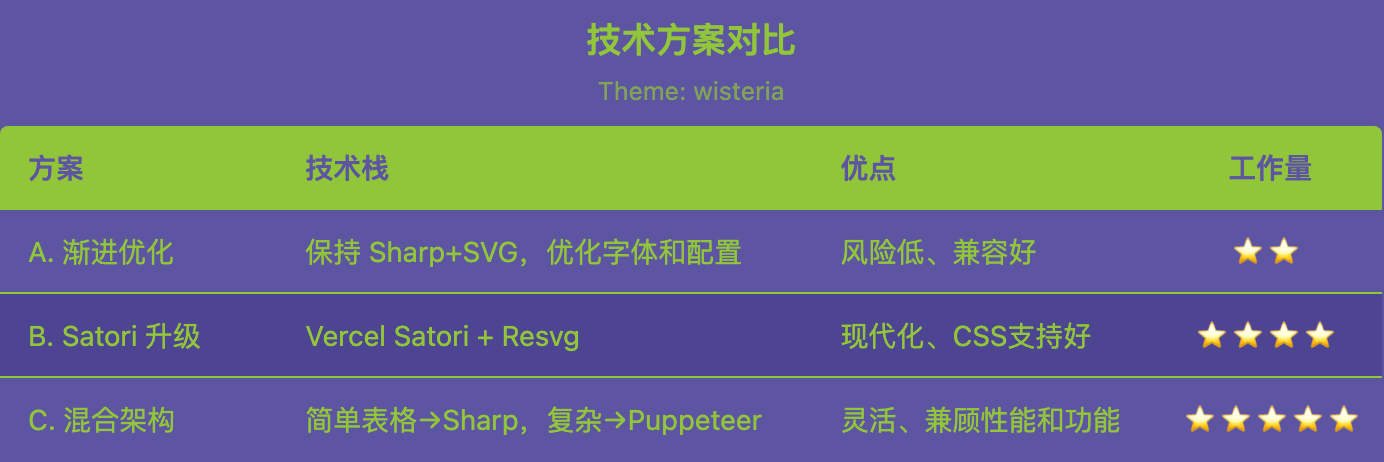 |
pond-blue | Deep navy + soft cyan | 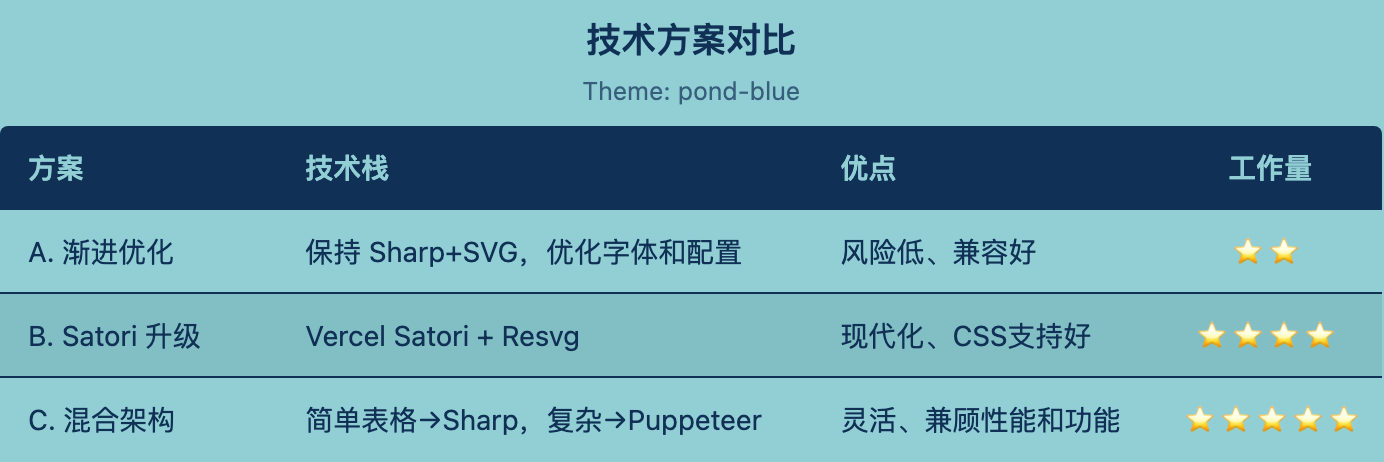 |
camellia | Warm red + pale pink | 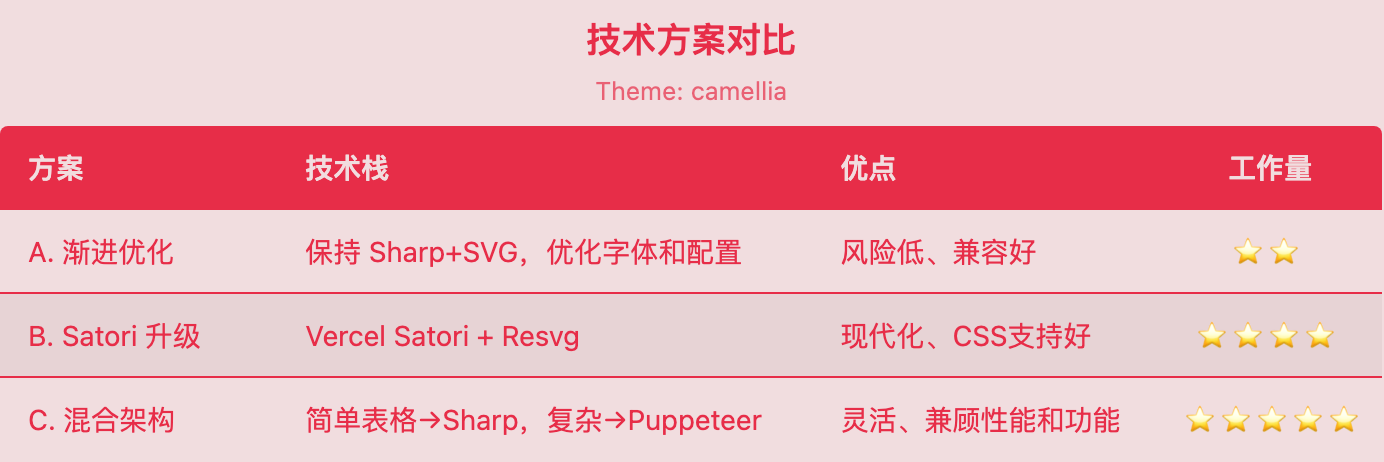 |
Custom Themes
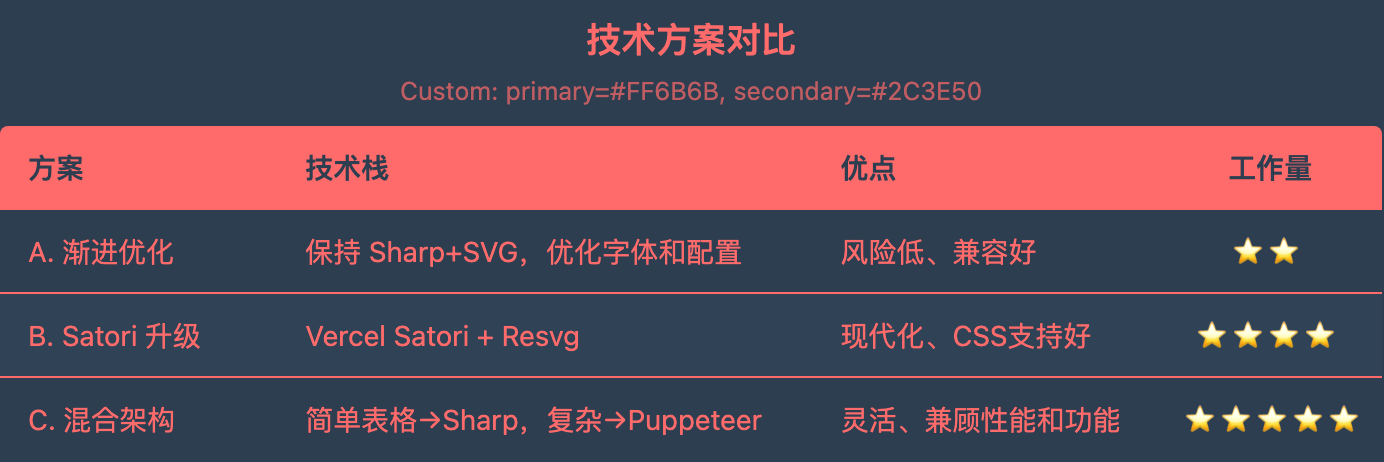
You can also pass a custom theme object directly to theme. For convenience, you only need to provide two colors — primary and secondary — and the full theme will be generated automatically:
const image = await renderTable({
  data: [{ name: 'Alice', score: 95 }],
  columns: [
    { key: 'name', header: 'Name' },
    { key: 'score', header: 'Score', align: 'right' }
  ],
  theme: {
    primary: '#e6397c',    // accent color (header, text, border)
    secondary: '#1a1a1d'   // base color (background, rows)
  }
});
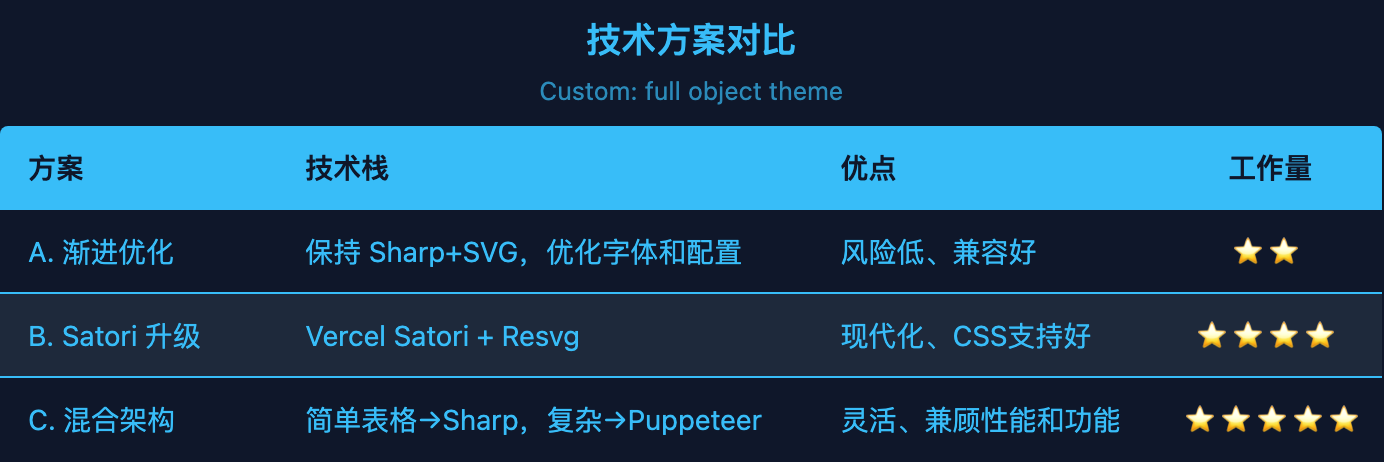
Or pass a complete custom theme object with all 7 colors:
const image = await renderTable({
  data: [{ name: 'Alice', score: 95 }],
  columns: [...],
  theme: {
    background: '#1a1a1d',
    headerBg: '#e6397c',
    headerText: '#1a1a1d',
    rowBg: '#1a1a1d',
    rowAltBg: '#2a2a2d',
    text: '#e6397c',
    border: '#e6397c'
  }
});
Advanced Usage
Conditional Formatting
import { renderTable } from './scripts/index.js';

const image = await renderTable({
  data: stocks,
  columns: [
    { key: 'symbol', header: 'Symbol' },
    {
      key: 'change',
      header: 'Change',
      align: 'right',
      formatter: (v) => `${v > 0 ? '+' : ''}${v}%`,
      style: (v) => ({ color: v > 0 ? '#43b581' : '#f04747' })
    }
  ],
  theme: 'discord-dark'
});
Custom Column Widths
columns: [
  { key: 'name', header: 'Name', width: 150 },
  { key: 'description', header: 'Desc', width: 300, wrap: true, maxLines: 3 }
]
Scripts
scripts/table-cli.mjs- Command-line interfacescripts/index.js- Programmatic API
See references/api.md for complete API documentation.
Examples
See references/examples.md for common use cases and code samples.